
From day one to go-live — here's exactly how we set you up
Accurate COGS, landed costs, and automated accounting need correct channel, warehouse, and chart-of-accounts setup — Professional includes a specialist through first live journals
Unified system
- Accounting
- Inventory
- Forecasting
- AI access
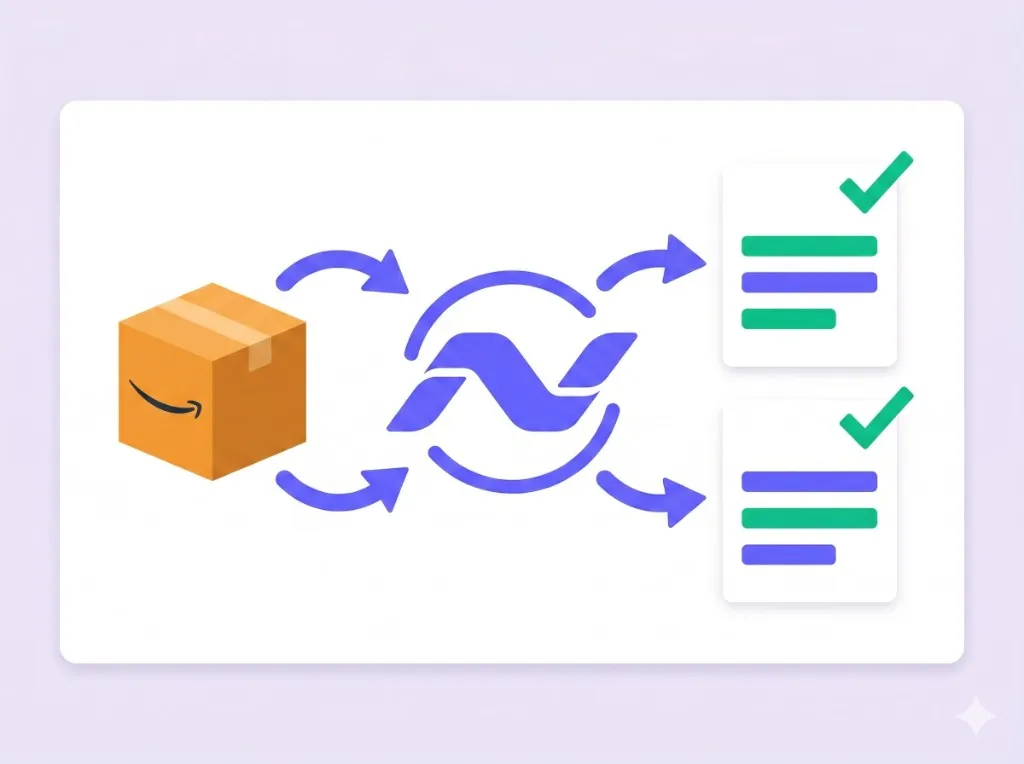
The five phases of onboarding
Most clients reach go-live in two to four weeks — pace depends on how quickly your team supplies non-Amazon data between calls.
-
1Kickoff Sales channel connection
-
2Data Ingestion Historical sync
-
3Setup CoA & warehouses
-
4Dry Run Review & validate
-
5Go-Live First live entry
Kickoff & Sales Channel Connection
Goal: understand your business and connect your sales channels so NeonPanel can start ingesting your data.
- Walk you through connecting Amazon, Shopify, and other channel accounts
- Explain what data is pulled and how long ingestion takes
- Map your supply chain: manufacturing, 3PL, FBA, AWD, internal warehouses
- Review your accounting setup (QuickBooks/Xero, CoA status)
- Outline what to prepare in parallel while data lands
- Gather non-Amazon warehouse balances (3PL, internal, prep centres)
- Consolidate open POs and on-the-water shipments
- Collect freight, customs, and inspection invoices
- Finalise or review your Chart of Accounts and accounting policy
Data Ingestion & Preparation
Goal: NeonPanel ingests your Amazon data and prepares your environment for setup.
- Ingest Amazon warehouses, SKUs, inbound shipments, fees, and settlements
- Review Amazon warehouses and inventory catalogs for structural issues
- Flag junk, duplicate, or Amazon-generated SKUs
- Pre-create an Initial Inventory Project with Amazon quantities pre-filled by SKU and location
- Upload balances for non-Amazon warehouses
- Provide open POs, in-production orders, and shipments on the water
- Share freight, customs, and inspection invoices
- Confirm the Chart of Accounts for NeonPanel postings
The more complete this data, the smoother Call 2 — the foundation is laid here.
Operational & Financial Setup
Goal: finish operational setup, configure accounting, and prepare for a dry run.
- Clean up Amazon warehouses and product catalog live
- Validate uploaded non-Amazon warehouse balances
- Validate in-production and on-the-water POs and inbound shipments
- Connect QuickBooks Online or Xero
- Configure revenue, COGS, inventory, fees, and expense mappings
- Map Amazon and other channel line items to the Chart of Accounts
- Ops and Finance both attend — decisions are made live
- Approve account mappings and accounting policy choices
- Provide QuickBooks or Xero access (you keep credentials; we guide setup)
By the end of this call, operational data is structurally sound, accounting mappings are configured, and you're ready for a dry run.
Dry Run & Approval
Goal: test everything end-to-end before any real journals hit your accounting system.
- Run dry-run journals for a defined period (typically one month)
- Validate FIFO COGS, landed cost behaviour, and fee mappings
- Highlight discrepancies where source data is missing or inconsistent
- Prepare a review pack for your finance team
- Review dry-run journals in NeonPanel (and optionally compare via export)
- Confirm results align with your accounting policy
- Fix issues from missing or incorrect internal data (with our guidance)
- Formally approve moving to go-live
Live sync stays off until you're comfortable with the dry-run results.
Go-Live & Stabilization
Goal: turn on sync and ensure everything runs reliably from day one.
- Enable live sync to QuickBooks or Xero
- Process and validate first live entries against your Balance Sheet and P&L
- Monitor for 48–72 hours and resolve mapping or data issues quickly
- Post–go-live health check (7–10 days later) to fine-tune configuration
- Review first real journals in your accounting system
- Confirm posted numbers look correct and raise any questions
After stabilization we show you how to get more from NeonPanel — forecasting, SKU and channel profitability, deeper reporting.
What we handle — and what we need from you
We take the technical heavy lifting. What we need from your side is data and decisions.
- Amazon data ingestion, catalog review, and structural cleanup
- SKU deduplication and warehouse validation
- FIFO COGS and landed cost configuration
- QuickBooks / Xero connection and account mapping
- Dry-run journal generation and review packs
- Go-live monitoring and post-launch health check
- Best-practice recommendations from other ecommerce clients
- Non-Amazon warehouse balances (3PL, internal, prep centres)
- Open POs, in-production orders, and on-the-water shipments
- Freight, customs, and inspection invoices
- Chart of Accounts decisions and accounting policy choices
- Named Ops and Finance owners who can attend calls and decide
- Review and sign-off on dry-run journals before go-live
Implementation options
Both options include the full five-phase onboarding. Only the setup fee and subscription commitment differ.
Ready to see it in action?
Book a call. We'll walk through how NeonPanel fits your setup and what onboarding would look like for your business.