
Start with the P&L, add resolution as the questions get harder
Every combination begins with the same module and the same outcome — a multi-channel P&L. What changes as you add modules is how much of your operation those numbers can actually see
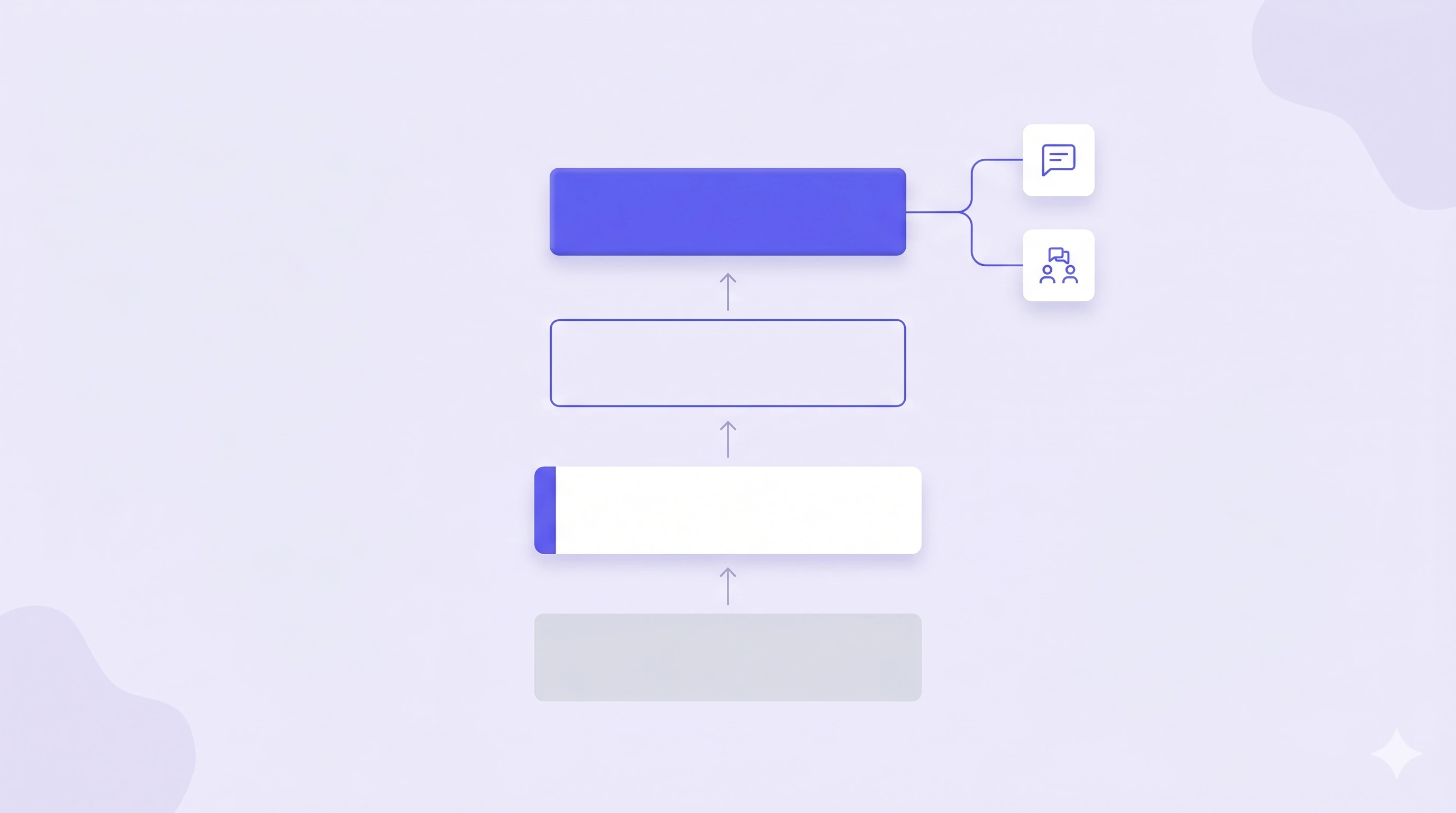
Unified system
- Accounting
- Inventory
- Forecasting
- AI access
Trusted by 200+ Ecommerce Teams












Four combinations, each one resting on the last
NeonPanel is one operating system: Accounting & Finance, Inventory Management, and Forecasting & Replenishment, all sharing one ledger. A solution is not a separate product — it is a combination of those modules at a stated inventory resolution.
The first two are the same plan. What separates them is not functionality you buy, it is what you put in: unit costs you provide, or purchase orders and Bills NeonPanel derives them from. Only the third is a plan change, and the fourth is an add-on.
See how the modules connect on How it works, or how they are quoted on Pricing.
What AI adds at each combination
Agents are not a fifth combination — they run across all four. What they can usefully do scales with the resolution beneath them, so the work worth handing over changes at every step.
Marta checks the settlement against the books
Hand her the settlement PDF from Seller Central and she reconciles it line by line against what NeonPanel posted, naming the fee types that did not match.
Neon does the data entry from the document
Give Neon a supplier invoice or packing list and ask for an inventory order. Lines, quantities, and costs come back as a draft to confirm, so capture stops meaning typing.
Nina finds the gaps before they reach the ledger
She sweeps for shipments received without a bill, quantities that disagree with what shipped, and batches that never got costed — then reconciles orders against arrivals.
Kio models demand, Dorian turns it into timing
Scenarios, coverage gaps, and sell-through outlook from Kio; reorder points and purchase-order timing from Dorian, on live velocity and real lead times.
Choosing a combination
No, but each one rests on the ones beneath it. You can start anywhere, and most teams start at Automatic P&L because it activates fastest, then add resolution when maintaining costs by hand or reconstructing shipment history becomes the bottleneck.
If you are not yet closing books from one ledger, start at the first. If keeping unit costs current is somebody's weekly job, the second. If shipments vary enough in freight that averages distort margin, the third. If stockouts and overstock are both costing money, the fourth. The fit selector on Pricing asks four questions and recommends a shape.
No. They are combinations of the same three modules. Accounting & Finance and Inventory Management come with the plan — Essentials or Professional sets the inventory resolution. Forecasting & Replenishment and NeonPanel MCP are add-ons. See how quoting works.
Inventory resolution, not module availability. Essentials calculates as though stock sat in one place, so costs resolve to PO-level averages. Professional models each shipment as its own object, raising cost precision to the batch and surfacing balances across the chain. See the full matrix.
Across all four rather than on top of them. NeonPanel MCP is a company-wide add-on on any plan, and what agents can do usefully depends on the resolution of the data beneath them. See the AI overview.
Bring NeonPanel into your stack
14-day free trial. No credit card. Dedicated onboarding on every plan — we set up your batches, your ledger, and your channels with you.
Join 200+ ecommerce teams who trust NeonPanel for their financial close.