
Connect a channel, get a real P&L
The smallest configuration that still closes books — revenue, marketplace fees, refunds, and currency posted as journal entries on a default Chart of Accounts, synced to QuickBooks or Xero, with COGS from the unit costs in your catalog
Unified system
- Accounting
- Inventory
- Forecasting
- AI access

Trusted by 200+ Ecommerce Teams












One module in, and the books already read true
Most operators assume a real multi-channel P&L is the reward at the end of an implementation. It is the first thing NeonPanel produces.
Connect Amazon, Shopify, or TikTok Shop and settlements start resolving into structured journal entries on a Chart of Accounts already built for marketplace sellers. Point them at a QuickBooks Online or Xero file and the sync runs from that day forward. No inventory model, no forecasting setup, no spreadsheet in between.
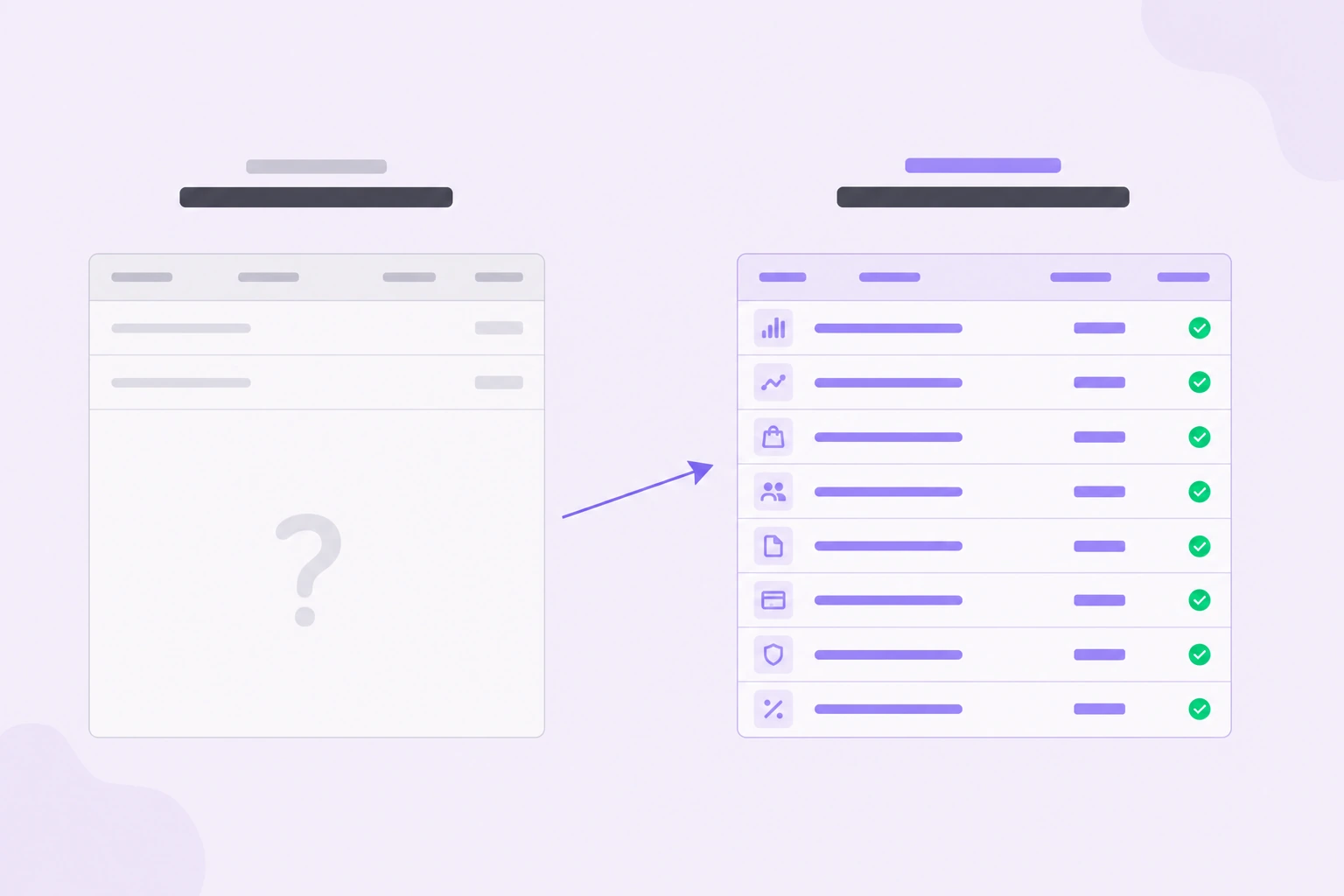
What you get from day one
Journal entries from the first settlement
Revenue, referral and FBA fees, refunds, promotions, storage, and currency arrive as structured entries on a default Chart of Accounts. Hundreds of marketplace line-item types resolve to categories a controller recognizes — nothing to model first.
A clean QuickBooks or Xero, immediately
Connect a fresh QuickBooks Online or Xero file and syncing starts the same day. Your accountant works from defensible categories instead of payout dumps, and every posted figure traces back to the settlement it came from.
COGS without capturing a single document
Provide unit costs in the product catalog and COGS posts against them, so gross margin resolves per order and per marketplace. What you get is a complete P&L, not revenue minus fees.
See the Accounting & Finance module → · What the multi-channel P&L looks like →
This P&L trusts the unit costs you type in
A catalog unit cost is a number you maintain. It does not move when a supplier raises a price, when freight spikes, or when duty lands on one shipment and not the next. Margins here stay accurate exactly as long as someone keeps those costs current.
Handing that job to NeonPanel needs no upgrade — it is the same plan. Start capturing purchase orders and the Bills that carry freight, duty, and prep, and the cost engine derives landed unit cost instead of taking your figure on trust.
Modules in this combination
Nothing here is an upgrade away. Calculated COGS runs on exactly this plan — what changes is whether you provide costs or NeonPanel derives them from purchase orders and Bills.
- Accounting & Finance Included
- Inventory Management Essentials
- Forecasting & Replenishment Not included
- NeonPanel MCP Optional
- Agents in Slack Optional
Identical to Calculated COGS on paper — same plan, same modules. The difference is the input: here you supply the unit cost, so there is no inventory model to build before the books read true.
Who runs this, and what they run it for
Founders on their first real close
You sell across marketplaces and need books an accountant can work from, this month, without an implementation project.
Runs it forFirst close on NeonPanel — settlements classified and posted, so the month closes from the ledger instead of from marketplace CSVs.
Controllers and fractional CFOs
You want channel-level journals in QuickBooks or Xero that trace to settlements, before anyone argues about inventory.
Runs it forChannel profit review — contribution by marketplace after fees, refunds, and currency, on one set of numbers.
Teams migrating off spreadsheets
You need the ledger standing up first, then to add resolution once the numbers are being read every week.
Runs it forHanding books to an accountant — structured journals your bookkeeper can work from without a translation layer.
Marta checks the settlement against the books
Even at this level the ledger is already legible to an agent. Download the settlement report from Seller Central and hand Marta the file — she reconciles it line by line against what NeonPanel posted, naming the fee types that did not match and the amounts involved.
Ask her in Claude, in Slack, or from your own MCP client.
- Which SKUs have no unit cost set?
- Show gross margin by SKU last month.
- What was net profit by marketplace in June?
- Which fee type grew fastest this quarter?
- Which settlements have not posted yet?
- Summarize refunds by channel this week.
“We no longer rely on estimates for our COGS. The QuickBooks integration alone saved us hours of manual work.”
Anna Samsonova, COO · 5 Stars United · 85% reduction in COGS errors
Frequently asked questions
No. Inventory Management at Essentials resolution ships with the plan, but you do not have to feed it to get books. Supply a unit cost per product and COGS posts against it. Capturing purchase orders and Bills is what moves you to Calculated COGS — a change in what you put in, not a change in what you own.
The Accounting & Finance page documents what the module does. This page describes the smallest configuration you can run it in — no inventory model, no forecasting — what that produces, and what it trades away.
Yes. A clean file is the fastest path because there is no historical mapping to reconcile first, but an existing file works too — the Chart of Accounts mapping is confirmed during onboarding, then validated in a dry run before any real journals post.
Costs switch from the unit cost you supplied to the landed unit cost NeonPanel derives from those documents, and prior periods can be recalculated on the new basis. No plan change is involved — see Calculated COGS.
Amazon, Shopify, and TikTok Shop settlements are ingested, classified, and posted with multi-currency handling. Browse the QuickBooks and Xero hubs for the channel-by-channel detail.
Bring NeonPanel into your stack
14-day free trial. No credit card. Dedicated onboarding on every plan — we set up your batches, your ledger, and your channels with you.
Join 200+ ecommerce teams who trust NeonPanel for their financial close.