
Every shipment tracked, every batch costed
Professional resolution turns each shipment into its own object — in-transit states, batch-level landed cost, and calculated balances across 3PL, FBA, and AWD, all feeding the same books
Unified system
- Accounting
- Inventory
- Forecasting
- AI access
Trusted by 200+ Ecommerce Teams












One blended cost per order hides the expensive shipment
At Essentials resolution, an order that arrived in three containers at three different freight rates settles into one average. The books are defensible, but the container that cost double is invisible — and so is every unit still on the water.
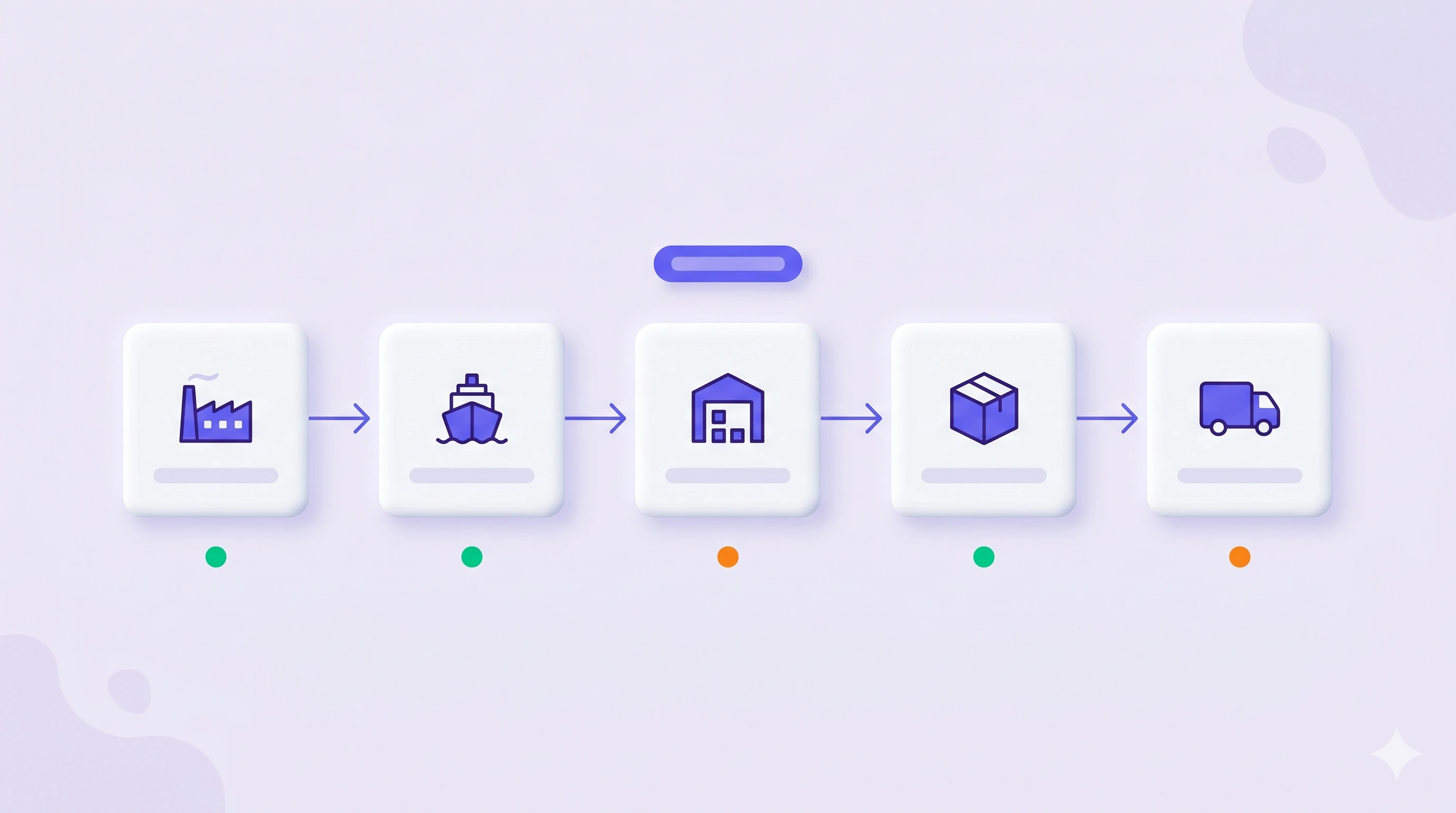
Professional models each shipment as a distinct object with its own landed inputs and its own state. Cost precision rises to the batch, stock gains a location while it is moving, and the supply chain becomes something you can read rather than reconstruct.

Three things that only exist at shipment level
Shipments as first-class objects
Each shipment carries its own freight, duty, and prep. Two containers against one order can differ widely and both stay visible, instead of averaging into a single number that describes neither.
Balances across the whole chain
In transit, at the forwarder, at a 3PL, inbound to FBA and AWD. Stock has a location and a state, and Transit Account treatment keeps the accounting correct while goods are still moving.
True FIFO at the batch
Every unit sold consumes the batch it actually came from, so COGS traces to a specific shipment. That is the difference between a margin figure you believe and one you can hand to a diligence team.
Landed cost and batch economics → · Supply chain management →
Exact history still does not tell you what to buy
Professional makes the past precise — what each unit cost, where every unit is, which batch a sale consumed. It does not project velocity forward, price lead-time variance, or rank what to reorder and when. Those calls still get made in a spreadsheet open next to the screen.
Forecasting & Replenishment plans against exactly this data: coverage and reorder timing that account for what is already inbound, on the lead times your own lanes actually ran.
Modules in this combination
- Accounting & Finance Included
- Inventory Management Professional
- Forecasting & Replenishment Not included
- NeonPanel MCP Optional
- Agents in Slack Optional
The configuration for operations whose complexity has outgrown averages — multiple shipments per order, several fulfilment nodes, freight variance that actually moves margin. Same modules as Calculated COGS, one resolution higher.
Who runs this, and what they run it for
Operations and logistics leads
You track containers, forwarders, and 3PL receipts, and need one place where inbound state and cost agree.
Runs it forInbound reconciliation — match what shipped, what arrived, and what the warehouse recorded, before the variance reaches the books.
Finance directors who face diligence
You need every unit of COGS to trace to a batch and a document, not to a monthly average nobody can reconstruct.
Runs it forAudit and due diligence — produce the batch history behind any unit of COGS, with the bills that built it attached.
Multi-node fulfilment operators
FBA, AWD, and third-party warehouses each hold stock, and the totals have to reconcile without a manual count.
Runs it forContainer-level cost review — compare landed cost per unit across shipments of the same SKU and see which lane is eating margin.
Nina finds the gaps before they reach the ledger
Shipment-level data is detailed enough to develop holes, and holes in it become wrong COGS. Nina sweeps for exactly that — shipments received without a Bill, quantities that disagree with what shipped, batches that never got costed.
She then reconciles orders against what actually arrived, naming the shipment and the discrepancy. Ask her before close instead of discovering it during one.
- Which shipments are still in transit and what do they carry?
- Compare landed unit cost across shipments of this SKU.
- Which batch did last month’s COGS consume?
- Show inventory value by location and state.
- Which receipts do not match what shipped?
- Which shipments are missing a freight bill?
“Real-time inventory visibility replaced weekly CSV dumps, and our team stopped arguing about which number was right.”
Cookie Box · Florida Deals · Multi-node fulfilment on one ledger
Frequently asked questions
No. Essentials and Professional are two resolutions of the same Inventory Management module. What changes is how the inventory transaction layer is modelled — PO-level averages versus discrete shipments and batch FIFO. See the full feature matrix.
Most teams do not. Calculated COGS at Essentials resolution is faster to activate and enough until shipment variance, multiple fulfilment nodes, or entity reporting start distorting the numbers.
Units in transit sit in a Transit Account until receipt, so inventory value and COGS stay correct while goods are moving instead of jumping when a container lands.
No. It reconciles against them. NeonPanel holds the costed, audit-ready version of what those systems report, so warehouse counts and the general ledger describe the same stock.
Supply chain management covers the operational tooling end to end. This page is about one configuration — Accounting & Finance with Inventory Management at Professional resolution — and what that specific combination makes exact.
Bring NeonPanel into your stack
14-day free trial. No credit card. Dedicated onboarding on every plan — we set up your batches, your ledger, and your channels with you.
Join 200+ ecommerce teams who trust NeonPanel for their financial close.